
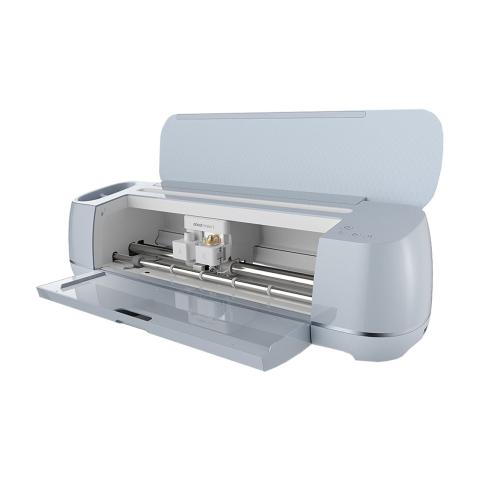
Cricut Maker 3
Library Branch
Space is limited to Lindenhurst Memorial Library cardholders, appointments are required.
Patrons can reserve a specific piece of equipment and must bring their own materials for use in the Learning Lab. This is a self-guided experience. A staff member is available to assist with simple questions and troubleshooting, but for more in-depth training patrons should consult online tutorials or check our library event calendar for upcoming classes.
*Please review the tutorials, tips, and troubleshooting before use
https://www.youtube.com/cricut
https://cricut.com/en-us/getting-started-cricut-maker-3
**The library has a computer for use with the Cricut Maker 3: patron must log into their own Cricut Design Space account for use. If logging into your Cricut Design Space on our computer, you will need to register the library Cricut to your Cricut account as a registered device before using the machine. Keep in mind there is a limit of 2 hours per day per patron. The library provides access to the Maker 3 and assorted tools for use with the Maker 3 including cutting mats, knife and rotary blades, weeder and scraper. Patron must bring your own product materials such as vinyl, pens or infusible ink markers needed for projects
The Learning Lab is a shared space and patrons should understand that an appointment to use a piece of equipment does not constitute a reservation of the entire room for private use.